How to Play GTA Vice City in Your Browser with Quenq: Complete Setup, Saves & Controls Guide

Complete tutorial on how to play the full GTA Vice City directly in your browser on quenq.com without downloading anything. WebAssembly reVC engine, saves manager, cheats, and controls.
How to Play GTA Vice City in Your Browser: The Complete Quenq Web Edition Guide
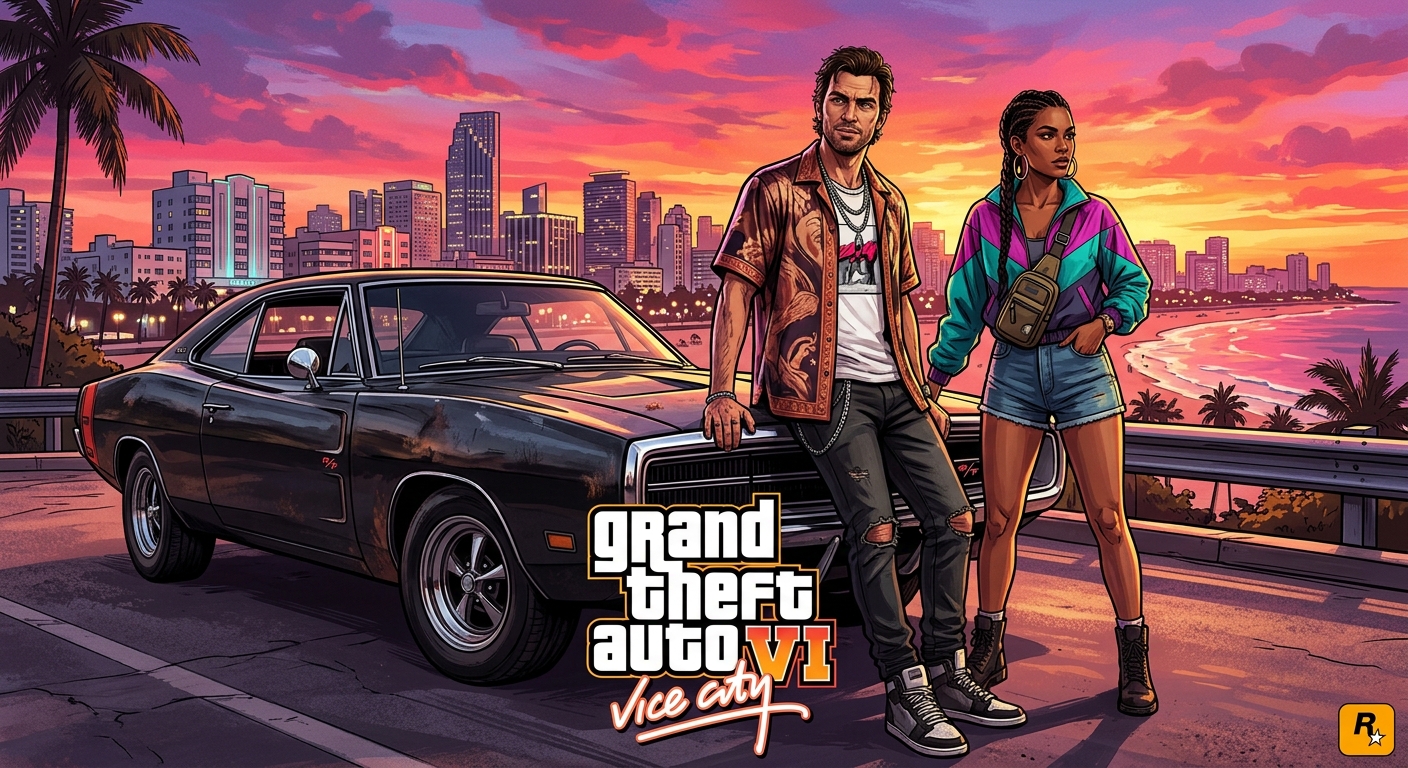
With excitement reaching an all-time fever pitch for Grand Theft Auto VI—which returns players to the neon-soaked streets of Vice City and the state of Leonida—millions of gamers are eager to revisit Tommy Vercetti’s 1986 Miami empire.
Thanks to the remarkable preservation project by Quenq (https://quenq.com/apps/vice-city/#), you can now play the complete Grand Theft Auto: Vice City directly inside your web browser. There are no 4GB installers, no third-party emulator setups, and zero fees: it runs natively through WebAssembly with full audio, save-state management, cheat code support, and controller integration.
Here is your definitive guide on how to launch, configure, and dominate the streets of Vice City in your browser.
1. What is the Vice City Web Edition on Quenq?#
The browser version hosted on Quenq is built upon the open-source reVC (Reverse-Engineered Vice City) engine compiled into WebAssembly (WASM).
Rather than running an emulated virtual machine or cloud-streaming video feeds, your browser compiles and executes the game engine directly through client-side hardware:
- True Client-Side Execution: The game renders in an HTML5 canvas element with hardware GPU acceleration.
- Dynamic Asset Streaming: The core engine downloads in seconds; textures, 3D models, audio dialog, and 80s radio stations (Flash FM, Wave 103, V-Rock) stream seamlessly as you explore the city.
- Integrated Save Manager: Upload and download original PC
.bsave files (sf1.b,sf2.b) directly from your hard drive, allowing you to resume your progress anywhere. - Zero Input Latency: Local execution means instantaneous keyboard and gamepad response, unlike cloud gaming services that suffer from video compression and ping delay.
Direct Playable Link: Play GTA Vice City Online on Quenq
2. Recommended System Requirements & Browser Setup#
While Vice City originally released in 2002, executing a full 3D open-world game compiled in WebAssembly requires adequate browser resource allocation.
Recommended Environment#
| Feature | Minimum Specification | Recommended Specification |
|---|---|---|
| Browser | Chrome 100+, Edge, Brave, Firefox, Safari | Google Chrome / Brave (with Hardware Acceleration) |
| Graphics | Integrated Intel UHD 620 or Radeon Vega | Dedicated GPU (GTX 1050 / RX 560 or better) |
| Memory | 4 GB RAM | 8 GB+ RAM |
| Display | 1280x720 60Hz | 1920x1080 Fullscreen Mode |
Essential Setup: Enable Hardware Acceleration#
If the game shows a black screen or suffers from frame drops, hardware acceleration must be turned on in your browser:
- 1In Google Chrome or Microsoft Edge, navigate to Settings -> System.
- 2Toggle on "Use graphics acceleration when available".
- 3Relaunch your browser to ensure WebGL/WebAssembly communicates directly with your graphics card.
3. Step-by-Step: How to Launch & Play#
Launching your game session takes less than 30 seconds:
Step 1: Open the Portal#
Visit `https://quenq.com/apps/vice-city/#` in your browser.
Step 2: Allow the WebAssembly Engine to Buffer#
You will see the Quenq game container frame. The browser will quickly fetch the core WASM bytecode (roughly 15–30 MB) and begin streaming initial game textures.
Step 3: Enter Fullscreen Mode#
Click the Fullscreen button below the game frame. This locks your mouse cursor using the browser's *Pointer Lock API*, giving you standard 360-degree third-person camera panning without your cursor drifting outside the browser window.
Step 4: Click to Unlock Audio#
Click anywhere on the game canvas. Modern browsers block autoplay audio by default; clicking the canvas unlocks the iconic synthesizer intro theme and radio stations.
4. Master the Controls (Keyboard vs Controller)#
The Quenq Web Edition supports both PC keyboard/mouse controls and gamepads natively.
Default PC Keyboard & Mouse Mappings#
| Game Action | Primary Key | Alternate Action |
|---|---|---|
| Movement | W, A, S, D | Arrow Keys |
| Sprint | Left Shift | Faster Foot Travel |
| Jump | Spacebar | Vault Low Obstacles |
| Enter / Exit Vehicle | F or Enter | Hijack Car or Motorbike |
| Attack / Shoot | Left Mouse Click | Left Ctrl |
| Aim Weapon | Right Mouse Click | Manual Sniper / Heavy Weapon Aim |
| Look Left / Right in Car | Q / E | Drive-by Target Aiming |
| Handbrake | Spacebar | Power Slide / Drift |
| Horn / Siren | Left Shift | Taxi Horn / Cop Siren |
| Radio Station Switch | R or Mouse Wheel | Cycle Flash FM, Wave 103, Fever 105 |
| Pause / Map Menu | Esc | Audio & Graphic Options |
Connecting a Gamepad (Xbox / PlayStation / Generic USB)#
- 1Connect your controller via Bluetooth or USB before opening the webpage.
- 2Once the game loads, press any face button (
Aon Xbox,Xon PlayStation). - 3The browser automatically recognizes the input, enabling dual-analog stick driving and camera controls.
5. How to Use the Integrated Save Manager#
One of the best features of Quenq’s implementation is that you don't lose your progress when you close the tab:
- Automatic Local Storage: Game saves created at the Ocean View Hotel or Vercetti Estate are stored inside your browser's persistent IndexedDB cache.
- Exporting Saves: Want to backup your 100% completion save? Use the Save Manager interface below the game canvas to download your
sf1.bfile to your computer. - Importing Existing Saves: Have an old PC save file from 2003 with billions of dollars and all assets acquired? Click Upload Save, select your
.bfile, and load it straight from the in-game Main Menu!
6. Pro Tip: Fix Physics & Mission Bugs (FPS Limit Tweak)#
The original Vice City game engine was designed around a 30 FPS physics lock.
In the browser edition, the frame rate is unlocked by default for silky-smooth 60+ FPS motion. However, uncapped frame rates can occasionally cause classic RenderWare physics anomalies:
- Reversing vehicles braking unnaturally fast.
- Boat handling sliding excessively during Colonel Cortez missions.
- Inability to dive or swim.
Quick Fix: If a mission feels glitchy or a vehicle behaves strangely, press
Esc, go to Options -> Display Setup, and toggle Frame Limiter: ON. Once the mission is completed, you can turn it back off for high-refresh gameplay.
7. Classic Vice City Cheats That Work in the Browser#
Just like the original PC release, typing cheat codes directly on your keyboard while in gameplay activates them instantly without opening a console command line:
- ASPIRINE — 100% Health (also repairs the vehicle you are driving)
- PRECIOUSPROTECTION — 100% Body Armor
- THUGSTOOLS — Weapon Set 1 (Brass Knuckles, Baseball Bat, Molotovs, Pistol, Shotgun, Tec-9, Kruger)
- PROFESSIONALTOOLS — Weapon Set 2 (Katana, Grenades, .357 Revolver, Stubby Shotgun, Mac-10, M4, Sniper)
- NUTTERTOOLS — Weapon Set 3 (Chainsaw, Grenades, Python, SPAS-12, MP5, M4, Minigun, Rocket Launcher)
- PANZER — Spawns the Rhino Military Tank
- LEAVEMEALONE — Clears your Wanted Level immediately
- SEAWAYS — Cars can drive across water (transform your Infernus into a boat!)
Ready for the Next Chapter in Vice City?#
Replaying Vice City in your browser is the ultimate nostalgia trip, but when GTA 6 arrives, the criminal underworld of Vice City and Leonida will demand elite preparation.
Want to gear up, build liquid capital, and dominate competitive lobbies in modern titles today? At OGmodz, we provide verified, fast, and 100% ban-safe GTA 5 Online Cash Boosts, Modded Accounts, and CS2 Rank Up Services backed by 24/7 dedicated pro support.
FAQ: Frequently Asked Questions#
Can I play Quenq Vice City on a mobile phone or iPad?#
Yes. When opened in a mobile browser (iOS Safari or Android Chrome), on-screen touch controls with analog thumbsticks and action buttons appear automatically. For the best experience, rotate your device to landscape mode and enable fullscreen.
Does the game contain the original 80s soundtrack?#
Yes! The web port preserves the authentic radio stations including Flash FM, Emotion 98.3, Wave 103, and V-Rock, complete with original talk radio commercials and DJ commentary.
Will clearing my browser cache delete my save files?#
Yes. If you clear "Cookies and Site Data" or use Incognito / Private Browsing mode, your browser will purge the local save files. Always use the built-in Save Manager to download a .b backup to your computer before clearing browser data.
Is it legal to play GTA Vice City in a browser?#
The WebAssembly engine (reVC) is an open-source reverse-engineered engine. However, game assets and scripts are the copyrighted intellectual property of Rockstar Games. These web preservation builds exist for educational and retro preservation purposes.
Ready to Dominate Your Game?
Skip hundreds of hours of repetitive grinding. Get instant fulfillment, private VPN-protected lobbies, and 24/7 dedicated support.
Top Trending Boosts & Services

OGmodz Specialist
Verified SpecialistCompetitive gaming analyst and booster at OGmodz. Specializing in high-rank matchmaking algorithms, ban-prevention safety architecture, and in-game economy optimization.