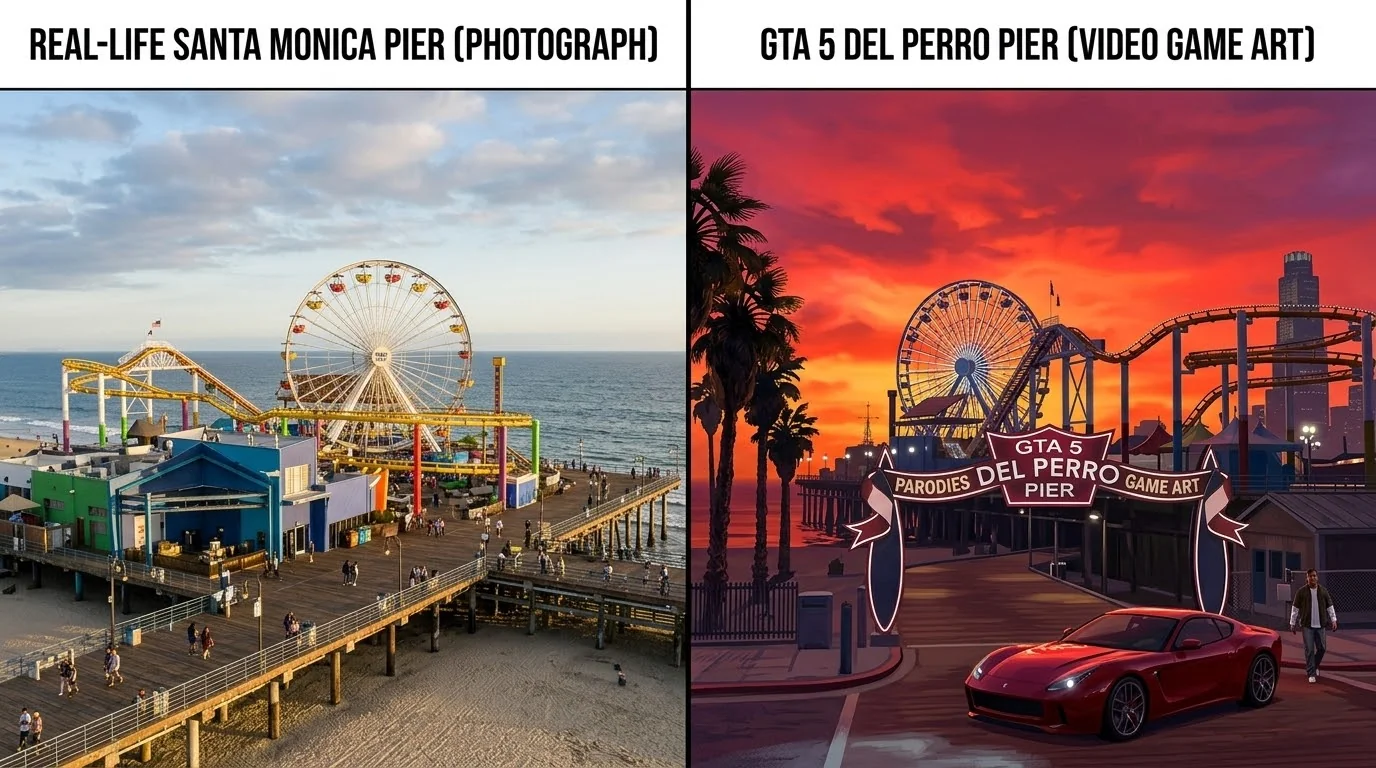
How to Play GTA 5 in Your Browser with PlayGTA5: Complete Archive Tutorial & Setup
Step-by-step tutorial on how to play Grand Theft Auto V directly in your web browser using the working PlayGTA5 archive snapshot (web.archive.org). Shaders, controls, and performance guide.
How to Play GTA 5 in Your Web Browser: Working PlayGTA5 Archive Guide & Tutorial
Playing Grand Theft Auto V directly inside a web browser seemed impossible until the viral PlayGTA5 project showcased a client-side WebAssembly & WebGPU port rendering Michael, Franklin, and the sprawling streets of Los Santos without traditional 100GB local installations.
While the original standalone domain frequently experiences downtime and copyright updates, the playable web build remains fully accessible through its official preserved snapshot on the Wayback Machine (Internet Archive):
Working Playable Link: Play GTA 5 Web Client (Wayback Machine Mirror)
In this updated guide, we explain exactly how to launch this archived build, how to optimize your browser's WebGPU settings to prevent crashes, the full keyboard & gamepad control scheme, and the best ways to experience GTA V with zero barriers.
1. How Does GTA 5 Run in a Browser?#
The browser version of GTA 5 is powered by cutting-edge web rendering technologies:
- WebAssembly (WASM): Recompiles C++ engine logic to run at near-native CPU speeds in modern browser engines (V8, SpiderMonkey).
- WebGPU / WebGL 2.0: Interfaces directly with your graphics card to process real-time 3D shaders, lighting, dynamic shadows, and vertex buffers inside an HTML5
<canvas>container. - On-Demand Asset Streaming: The archive streams game models, textures, and radio frequencies dynamically, storing cached files temporarily in your browser's IndexedDB.
2. Browser Requirements & Essential Settings#
Because the game streams through an archive mirror, proper browser settings are critical to avoid out-of-memory errors and stuttering.
Recommended System Setup#
| Component | Minimum Specification | Recommended Specification |
|---|---|---|
| Browser | Google Chrome 113+, Microsoft Edge, Brave, Opera GX | Chrome or Brave with WebGPU Enabled |
| Graphics | Integrated Intel Iris Xe or AMD Radeon Vega | Dedicated GPU (NVIDIA GTX 1060 / RTX 2060+ or AMD RX 580+) |
| RAM | 8 GB System Memory | 16 GB DDR4/DDR5 |
| Connection | 30 Mbps Internet (for asset streaming) | 100+ Mbps Fiber |
Essential Browser Tweaks (Prevent Freezing)#
- 1Enable Hardware Acceleration: In Chrome/Edge, open Settings -> System and ensure "Use graphics acceleration when available" is checked.
- 2Enable WebGPU: Type
chrome://flags/#enable-unsafe-webgpuin your URL bar and set it to Enabled. - 3Increase WebAssembly Memory Limits: Go to
chrome://flags, find Experimental WebAssembly features, and toggle to Enabled. - 4Restart Browser: Close all tabs and reopen your browser to apply the GPU optimizations.
3. Step-by-Step Tutorial: How to Play via the Archive Link#
Follow these exact steps to load the game through the Wayback Machine:
Step 1: Open the Working Mirror Link#
Click and open the snapshot link in a dedicated browser tab: 👉 [https://web.archive.org/web/20261006055917/https://playgta5.com/](https://web.archive.org/web/20261006055917/https://playgta5.com/)
Step 2: Allow the Archive to Fetch WebAssembly Binaries#
- The Wayback Machine toolbars will appear at the top while the application downloads the core WASM binaries.
- Wait patiently for the initial progress bar to buffer (initial load typically takes 1 to 3 minutes depending on internet speed).
- Do not refresh the page while files are caching into your browser's local memory.
Step 3: Click the Canvas to Activate Audio & Controls#
- Once loading reaches 100%, click anywhere inside the game frame. Modern browsers require explicit user interaction before allowing audio output and mouse pointer capture (
Pointer Lock API).
4. Control Scheme (Keyboard & Mouse / Gamepad)#
The web port emulates standard PC keyboard controls as well as USB/Bluetooth controllers via the browser's Gamepad API:
Keyboard & Mouse Controls#
| Action | Primary Key | Secondary / Mouse |
|---|---|---|
| Move Character | W, A, S, D | Arrow Keys |
| Sprint | Left Shift | Hold while moving |
| Jump / Climb | Spacebar | Vault obstacles |
| Enter / Exit Vehicle | F | Enter driver seat |
| Aim Weapon | Right Mouse Click | Hold to zoom |
| Fire / Attack | Left Mouse Click | Shoot / Punch |
| Reload Weapon | R | Reload clip |
| Interact / Action | E | Contextual prompts |
| Pause / Menu | Esc | Game options |
Using a Controller (Xbox / PlayStation)#
Simply plug in your USB gamepad or connect via Bluetooth. When you click into the game canvas, press the A button (Xbox) or X button (PS) to switch to analog stick driving and aim-assist targeting.
5. Troubleshooting Common Issues#
- Stuck at 0% or Loading Error: The Internet Archive servers occasionally throttle high-volume data streams. If a file fails to load, wait 30 seconds and refresh with
Ctrl + F5to purge broken cache. - Black Screen with Audio: Your browser may lack WebGPU driver permissions. Ensure hardware acceleration is active and check
chrome://gputo confirm your dedicated graphics card is active. - Laggy Audio / Low FPS: Close heavy background apps, Discord hardware acceleration, and video streaming tabs to free up system memory and VRAM.
Take Your Real GTA Online Experience to the Next Level#
While web experiments and archive builds are fun demonstrations of how far browser technology has advanced, nothing compares to the real adrenaline of full-scale multiplayer in GTA 5 Online on official servers.
Tired of grinding endless hours for virtual cash just to unlock the latest supercars, weaponized aircraft, and luxury businesses? OGmodz offers verified, 100% ban-safe GTA 5 Cash Boosts, Rank Up Packages & Modded Accounts delivered in minutes with 24/7 dedicated support.
FAQ: Frequently Asked Questions#
Does the Wayback Machine link save my mission progress?#
Progress is retained as long as your browser's IndexedDB and site cache for web.archive.org remain intact. If you clear browsing history or use Incognito mode, your save state will reset.
Is it legal to play GTA 5 through the Wayback Machine?#
The Internet Archive operates as a non-profit digital library preserving digital artifacts and websites. However, Grand Theft Auto V is the intellectual property of Rockstar Games and Take-Two Interactive.
Can I play GTA Online multiplayer through this web version?#
No. Official GTA Online servers require Rockstar Social Club authentication, proprietary network protocols, and BattlEye anti-cheat services that cannot run through browser emulators.
Does this work on mobile phones or tablets?#
While the link opens on mobile browsers, WebGPU memory overhead and touch-screen mapping make it difficult to play without a physical keyboard or Bluetooth gamepad connected. A desktop PC or laptop is strongly recommended.
Ready to Dominate Your Game?
Skip hundreds of hours of repetitive grinding. Get instant fulfillment, private VPN-protected lobbies, and 24/7 dedicated support.
Top Trending Boosts & Services


OGmodz Specialist
Verified SpecialistCompetitive gaming analyst and booster at OGmodz. Specializing in high-rank matchmaking algorithms, ban-prevention safety architecture, and in-game economy optimization.